
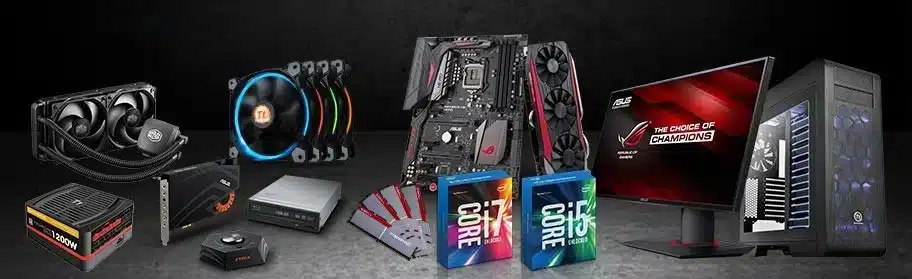
The single biggest mistake first-time PC builders in Sri Lanka make isn’t buying the wrong brand or overspending on one component — it’s buying parts that don’t work together. A CPU that doesn’t fit the motherboard socket. RAM that the motherboard doesn’t support. A GPU that’s too long for the case.
These are expensive mistakes, and they’re entirely avoidable. This guide explains how PC component compatibility works and how to use the PCGuide.lk PC Builder Tool to guarantee your build is compatible before you spend a single rupee.
The Core Compatibility Checks Every Builder Must Do
CPU and Motherboard Socket
This is the most critical compatibility check. Every CPU uses a specific socket type, and the motherboard must have the matching socket:
- AMD Ryzen 5000 series (Ryzen 5 5600, Ryzen 7 5700X, etc.) — requires AM4 socket
- AMD Ryzen 7000 series (Ryzen 5 7600X, Ryzen 7 7700X, etc.) — requires AM5 socket
- Intel Core 12th/13th Gen (i5-12400, i5-13600K, etc.) — requires LGA1700 socket
- Intel Core 14th Gen — also LGA1700
- Intel Core Ultra 200 series — requires LGA1851 socket
Buying an AM5 CPU with an AM4 motherboard is a common mistake in Sri Lanka, particularly when purchasing second-hand where socket types aren’t always clearly labelled.
Motherboard and RAM Type
Most current-generation motherboards support either DDR4 or DDR5 — not both. Check your motherboard’s specifications before purchasing RAM. AM5 motherboards require DDR5. Most AM4 motherboards support DDR4, though some later B550 boards may support DDR5 depending on the specific model.
GPU and Case Clearance
High-performance GPUs like the RTX 4070 or RX 7800 XT can be 300mm or longer. Check the maximum GPU clearance of your chosen case before purchasing. This specification is listed on every case’s product page.
PSU Wattage
Use the PCGuide.lk PSU Calculator to determine the minimum PSU wattage for your build. Never run a PSU at more than 80% of its rated capacity — if your system draws 400W, use a 550W PSU minimum.
How the PCGuide.lk PC Builder Tool Handles This For You
Rather than manually cross-referencing all of these specifications — which requires reading through multiple spec sheets and compatibility databases — the PCGuide.lk PC Builder Tool automates every check:
- You select a CPU
- The tool automatically shows only compatible motherboards for that CPU’s socket
- You select a motherboard — the tool shows only compatible RAM types and speeds
- You select a case — the tool filters GPUs by your case’s maximum clearance
At every step, incompatible components are hidden from the selection. You cannot accidentally build an incompatible system.
For Sri Lankan builders purchasing a mix of new and second-hand components, this automated compatibility checking is particularly valuable — older parts sometimes have subtle compatibility nuances that are easy to miss without experience.