
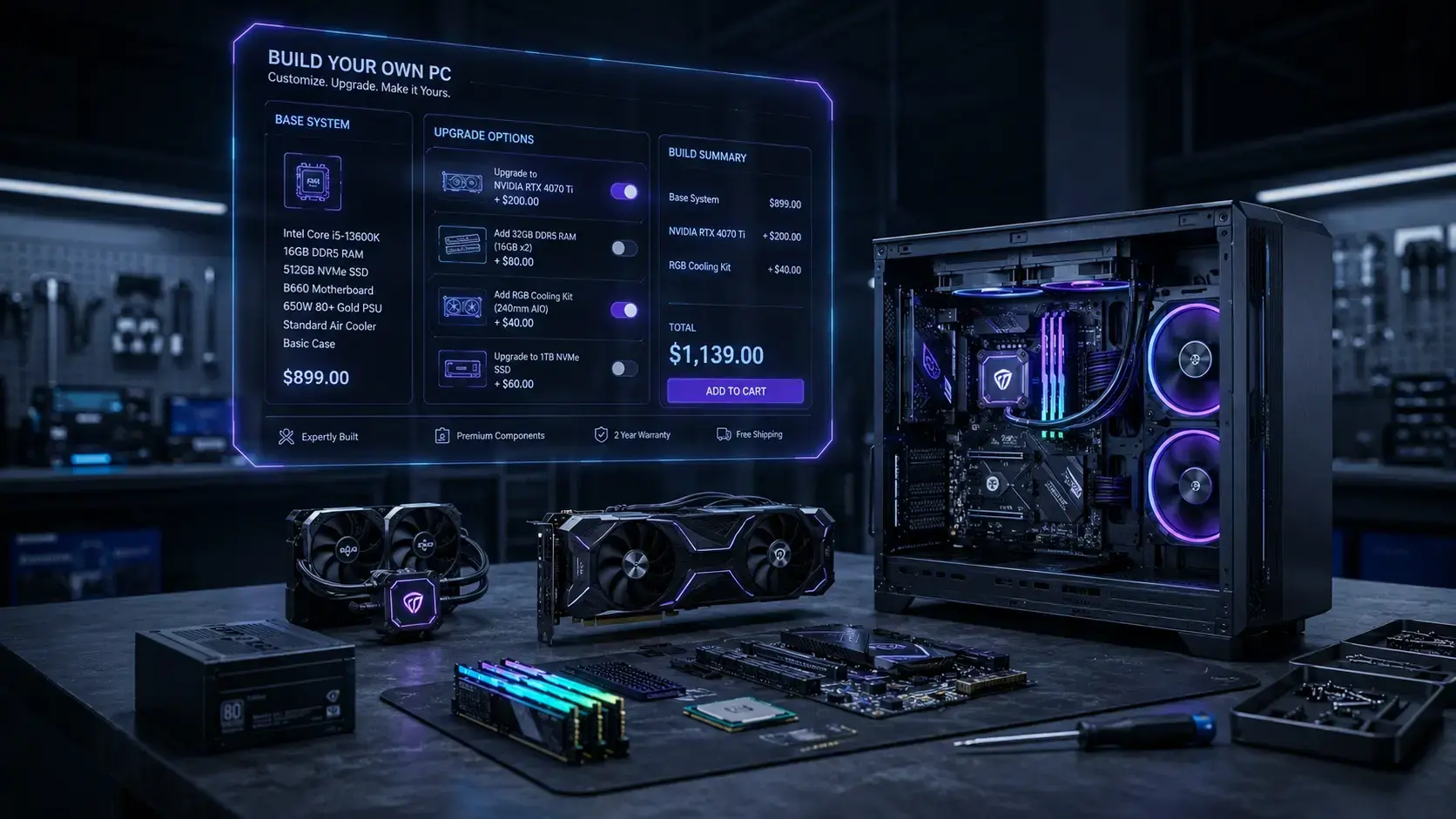
“Build my PC” is one of the most searched questions from Sri Lankan gamers, students and freelancers — and for good reason. A custom PC build gives you more performance per rupee than a branded desktop, it is easy to upgrade later, and you choose every part. This guide walks you through the whole process, from budget to first boot.
Custom PC build vs a ready-made desktop
| Custom PC build | Ready-made / branded desktop | |
|---|---|---|
| Performance per rupee | Higher | Lower; you pay for the brand |
| Upgrades | Standard parts, easy to swap | Often proprietary boards and PSUs |
| Part quality | You choose every part | Cheap PSU and RAM are common |
| Warranty | Per part, from each shop | One warranty for the whole unit |
| Effort | Planning needed | Plug in and use |
Step 1: Decide what the PC is for
Your use decides where the money goes:
- Office and study — a CPU with integrated graphics, 16 GB RAM and an SSD. No graphics card needed.
- 1080p gaming — a mid-range 6-core CPU and the strongest graphics card the budget allows.
- 1440p gaming and streaming — a stronger 6- or 8-core CPU, a 12 GB+ GPU and 32 GB RAM.
- Video editing and 3D — more CPU cores, 32–64 GB RAM and fast NVMe storage.
Step 2: Set a budget, then split it
As a rough guide for a gaming custom PC build, the graphics card takes 35–40% of the budget, the CPU 15–20%, and the motherboard, RAM, storage, PSU and case share the rest. For an office build, drop the GPU and move that money to the CPU and SSD.
Prices in Sri Lanka move every week with the dollar rate, so check live prices in the PC Builder rather than relying on old price lists.
Step 3: Pick compatible parts
The order matters: CPU → motherboard → RAM → GPU → storage → PSU → case. The PCGuide.lk PC Builder checks socket, memory type, GPU length and power for you. If you want to understand the checks yourself, read our PC part compatibility guide.
Step 4: Do not cut corners on the power supply
The PSU is the one part that can take every other part with it when it fails. Sri Lanka’s frequent power cuts and voltage drops make a quality unit even more important. Use the PSU Calculator, buy at least 80 Plus Bronze from a known brand, and consider a UPS.
Step 5: Buy the parts and assemble
Compare shop prices for the full list, not part by part, because delivery and assembly charges change the total. You can assemble it yourself with a screwdriver and an hour of patience, or ask a shop to build it. Either way, check:
- The RAM is in the slots the motherboard manual recommends (usually 2 and 4).
- The monitor cable goes into the graphics card, not the motherboard.
- XMP / EXPO is turned on in the BIOS so the RAM runs at its rated speed.
Step 6: Plan your upgrade path
A good custom PC build leaves room to grow: a PSU with spare wattage, a motherboard with a second M.2 slot, and a CPU platform that will accept newer chips.
FAQ
Is it cheaper to build my own PC in Sri Lanka? Usually yes. You avoid brand markup and choose better PSU and RAM for the same money.
Is building a PC hard for a beginner? No. If you can follow a manual, you can build a PC. The hard part is choosing compatible parts, which the PC Builder handles.
Can I build a custom PC with used parts? Yes. A used graphics card is the most common saving. Check Buy & Sell listings and test the card before paying.
Who can build the PC for me? Most shops listed on PCGuide.lk Shops will assemble it, or use our services.
Start your custom PC build now — open the PC Builder and get a compatible parts list with local prices.